
👇 Grab the FREE template inside my skool community:
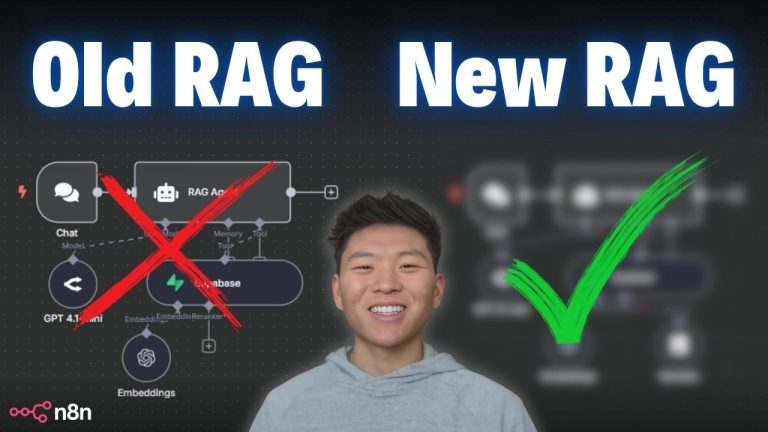
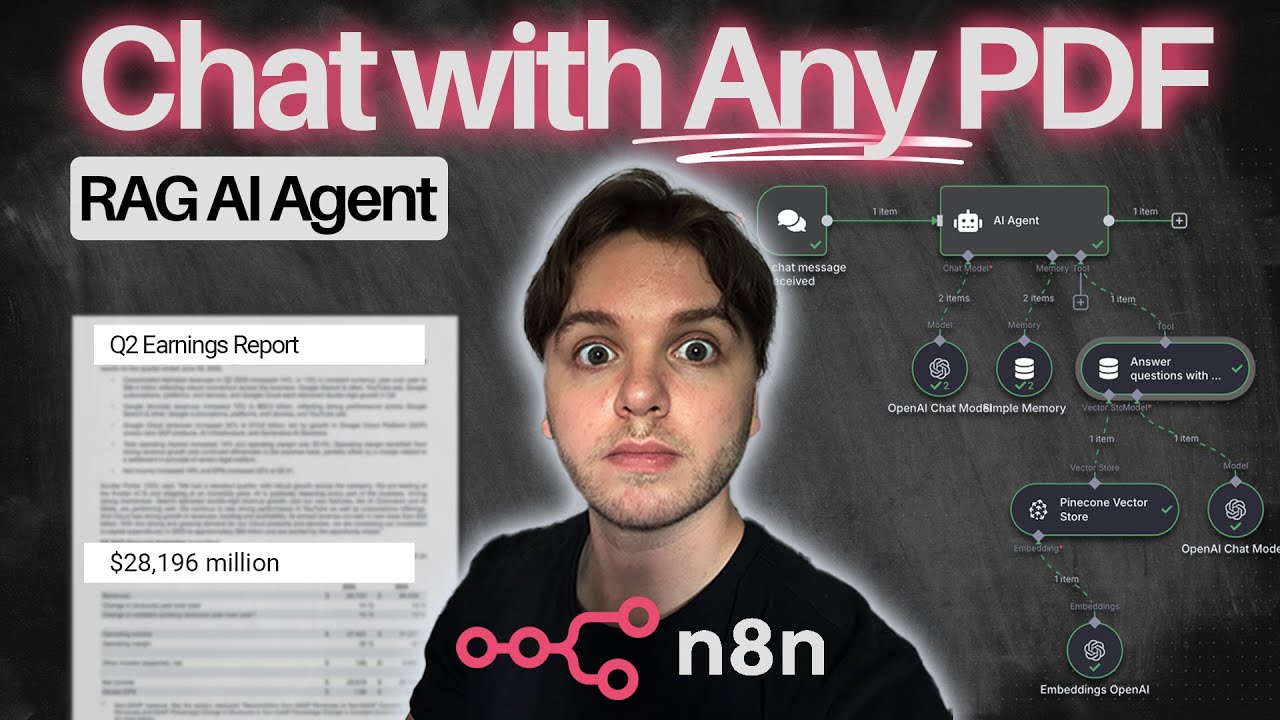
Want to build your own AI agent that can instantly answer questions from any PDF or document — without writing a single line of code? In this step-by-step tutorial, I’ll show you how to use n8n, Pinecone, and OpenAI to create a no-code RAG (retrieval-augmented generation) workflow that lets you chat with your documents in natural language.
Whether you’re parsing quarterly reports, research papers, invoices, or client docs, this agent gives you ChatGPT-style answers directly from your own files. Perfect for automating internal data access, report summaries, or customer support tools — without touching a line of code.
👉 Watch next:
⏱️ Timestamps:
00:00 – Intro & What the Agent Does
00:27 – Live Demo: Asking the Agent About Alphabet’s Net Income
01:11 – Tools You’ll Need (OpenAI, Pinecone, Google Cloud)
01:35 – Setting Up Pinecone Vector Database
02:23 – Creating PDF Upload workflow in n8n
03:01 – Setting Up Google Drive Integration
04:22 – Completing OAuth Credentials & File Download
05:33 – Uploading PDF to Pinecone Vector Store
06:51 – Document Loader Settings & Text Splitting
07:36 – Embedding Setup with OpenAI
08:52 – Confirm Upload in Pinecone & Create Agent workflow
09:53 – Configure Agent with Prompt & Memory Tool
12:50 – Final Demo: Ask Agent About Alphabet’s Top Expenses
13:26 – Recap, More Use Cases & Closing Thoughts