
⭐ Master AI & Automation with Scrapes AI Academy:
📧 Curated roundups of real-world AI implementations
🚧 Start Building with n8n! (I get kickback if you sign up here – thank you!)
Business enquiries: simon@scrapes.ai
🚧 Looking for custom built AI agents for your business? 🚧
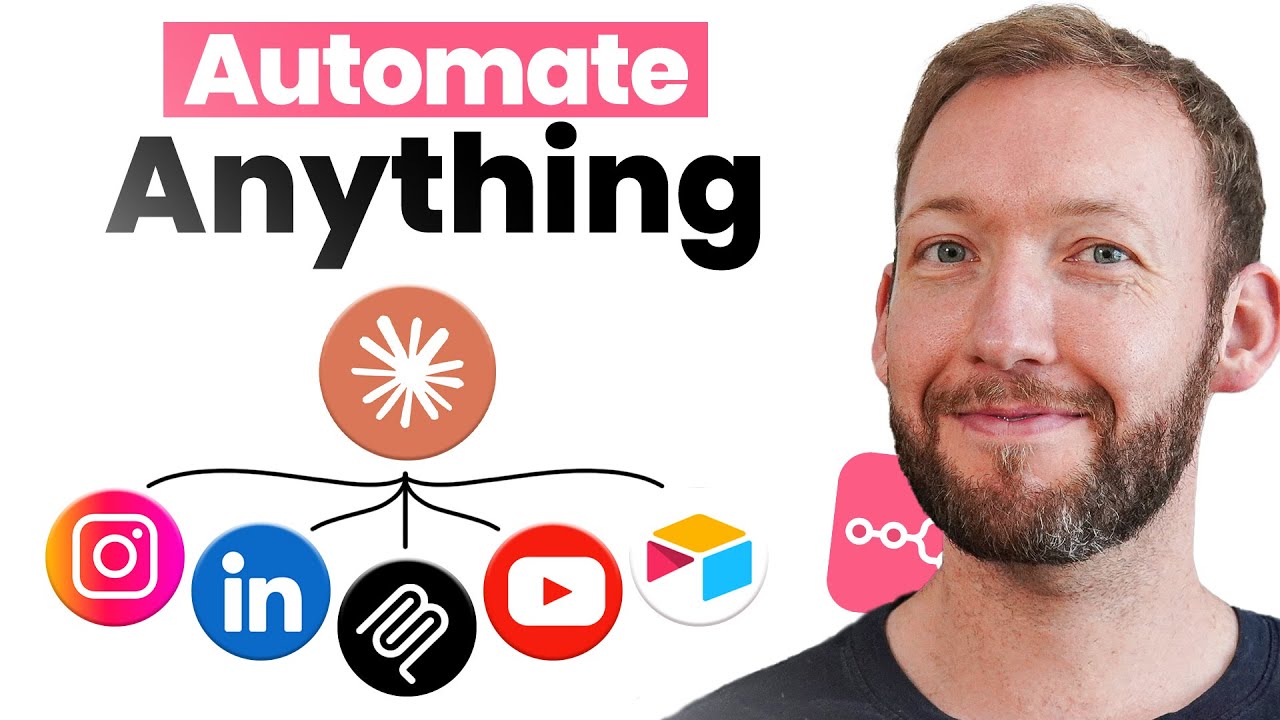
Why settle for basic AI chat when you can supercharge Claude with n8n to create an AI powerhouse that actually gets stuff done? Here I show you how to connect Claude to your real data, make it perform actual operations, and even push information straight into Airtable – all through automated workflows. I’ll walk you through the setup process and show you exactly how to build this yourself, plus cover what works (and what doesn’t) with this combo.
The config setup code:
{
“mcpServers”: {
“sensible-path-name”: {
“command”: “npx”,
“args”: [
“-y”,
“supergateway”,
“–sse”,
“your_webhook_url”
]
}
}
}
00:00 – Combining Claude & N8N
02:01 – Extend Claude functionality
04:54 – Talking with Your Data
09:42 – Performing Operations on Your Data
12:50 – Adding Information to Airtable
17:28 – Limitations of the Setup
20:37 – Setting Up the Connection
#n8n #n8ntutorial #mcp