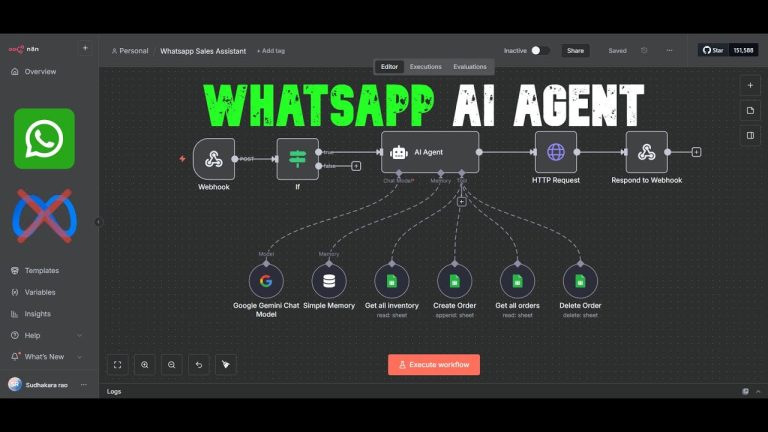
Quick Summary: Learn how to set up the Google Sheets node in n8n and update rows automatically — no code required.
This beginner-friendly tutorial walks you through how to use Google Sheets inside n8n, including:
– Selecting the right sheet and tab
– Using the “Update Row” and “Append or Update Row” operations
– Properly mapping your columns (automatic vs manual)
Whether you’re just getting started with n8n or want to clean up your workflow, this is the foundational setup you need.
🧠 Keywords:
#n8n #GoogleSheets #Automation #nocode #workflowautomation
🙌 If this helped, consider liking & subscribing — I’ve got more tutorials on the way!