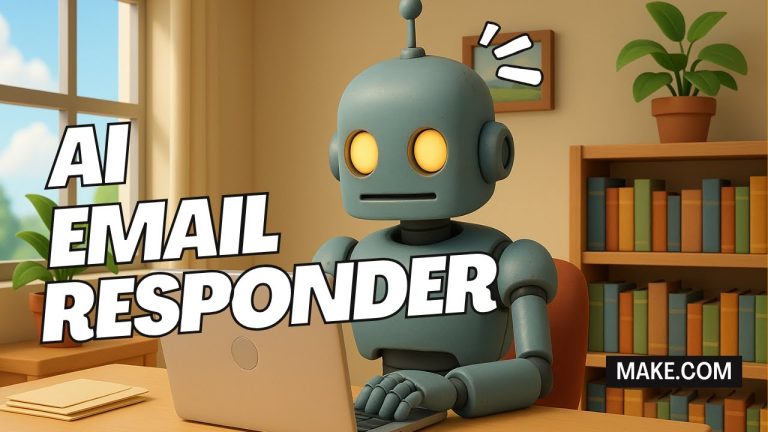
In this step-by-step tutorial, I’ll show you how to build an automation workflow in Make that uses OpenAI to automatically reply to comments on your YouTube videos.
👉 GET STARTED WITH MAKE:
💡 MORE MAKE tutorials:
Once this workflow is active, Make will monitor your YouTube channel for new comments, send each comment to ChatGPT, generate a natural and personalized reply, and post it right back under the original comment — all on autopilot.
WHAT YOU’LL LEARN
✅ Connect your YouTube channel to Make
✅ Set up an OpenAI connection with your API key
✅ Write a custom prompt that generates smart, human-like replies
✅ Automatically post those replies to YouTube in real time
This automation is perfect for creators who want to stay engaged with their audience while saving time. Once it’s running, your AI agent handles all the replies for you — so you can focus on creating more great content.
— — — — — — — — — —
TOPICS + TIMESTAMPS
0:00 Intro
1:06 Getting Started: How to Sign Up for Make
3:18 How to Make an Automated YouTube Reply AI Agent
18:40 My Final Thoughts
— — — — — — — — — —
🤝 CONNECT WITH BLOG WITH BEN
Instagram:
Facebook:
X:
Website:
🔔 Don’t forget to subscribe to my channel for more tutorials, tips, and tricks! Also, hit the like button if you found this tutorial helpful, and leave a comment if you have any questions or suggestions.
🙏 Thanks for watching!
#make #ai #tutorial
All music used in this video was created by Ben Cummings using Suno. I have Commercial Use rights.