In this video, I show you how I created a powerful AI-powered email auto-responder using Make.com, Airtable, and Google Sheets to automate lead responses for an e-commerce business. Watch how the system extracts lead details from form submissions, sends personalized replies with a natural delay, and logs everything into Google Sheets for easy tracking. Perfect for businesses looking to save time, improve customer engagement, and streamline lead management with no-code automation!
n8n automation master student and Ai Agent workflow architect. Dedicated to unlocking personal and business potential through intelligent automation technologies.
Similar Posts
AI Automation Tutorial with Make.com – Hindi
ByJohnnyAiAutomate Your Work with Make.com – Save Time and Boost Productivity! Are repetitive tasks eating up your valuable time? Want…
Make.com Automation Library
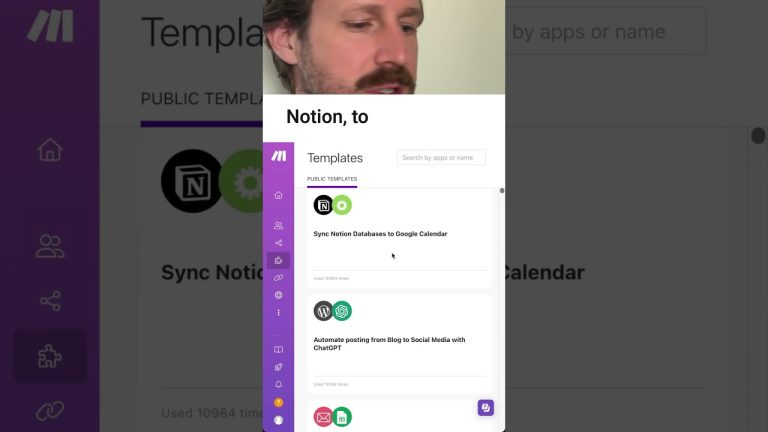
ByJohnnyAi📍 📍 Did you know that there’s a section on make.com where you can use these pre created templates to…
Build an AI Chatbot on your Custom Data 🔥
ByJohnnyAiTry Botpress: Checkout how I built an AI agent to help me get a Job: ►Checkout my English channel here:…
How to Automate Lyzr AI to Make.com for Automation
ByJohnnyAiLearn how to connect Lyzr AI with Make.com apps, with our private integration. Build powerful automated workflows that save time…
Make UNLIMITED Instagram Reels (Canva + Make)
ByJohnnyAi🔥 join My skool community (ALL Resources): 🔮 Make* 📊 Airtable: 🤖 OpenAI: 👾 Canva: