
👉 Get all of our Make.com & n8n templates, courses, and resources here:
Chapters:
0:00 – Beginner WordPress automation Overview
0:43 – Google Sheets Setup for Blog Posts
1:38 – Connecting Google Sheets & Generating Content with Claude
5:09 – Creating WordPress Posts Automatically
6:51 – Updating Google Sheets with WordPress Link
8:28 – Adding AI-Generated Featured Images to WordPress
12:40 – Running the Complete Automation
13:18 – More Advanced Blogging Automation Options
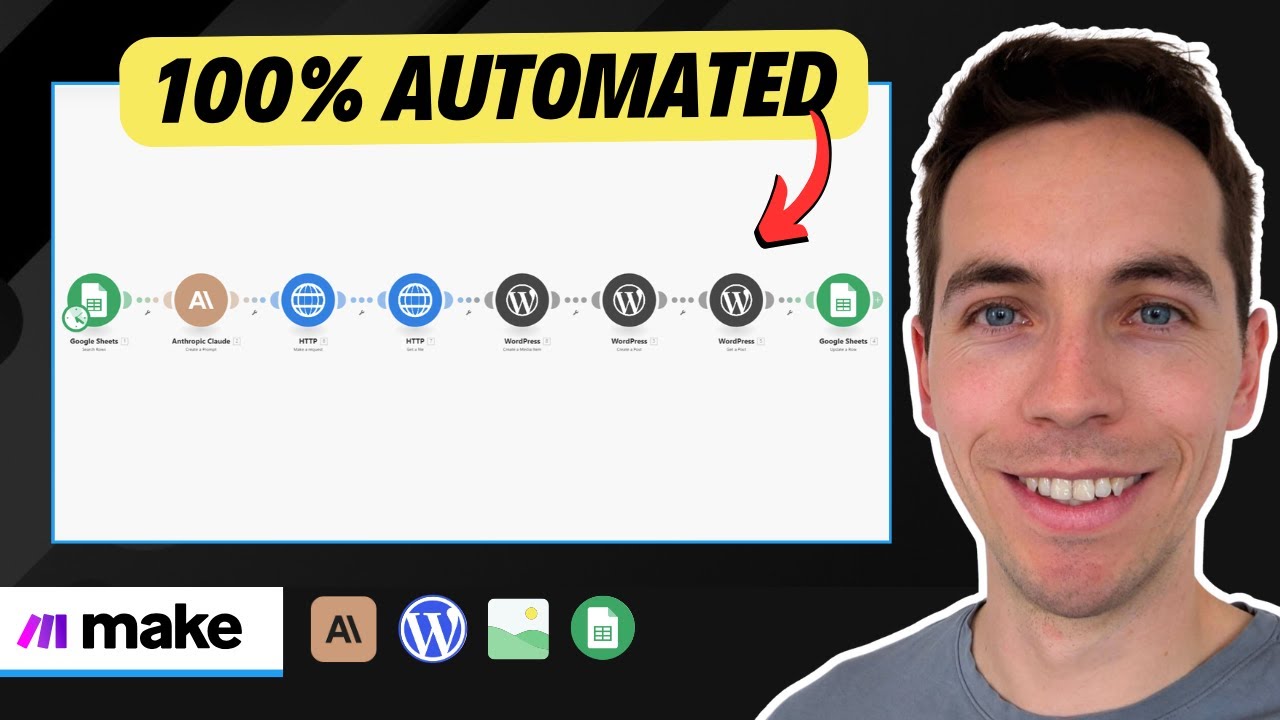
In this video, you’ll learn how to create WordPress posts directly from a Google Sheet using a simple and beginner-friendly automation. We start by setting up a Google Sheet with columns for the article topic and status. Once a topic is marked as “ready for article generation,” the automation, built in make.com, picks it up. We then use Claude, an AI language model, to generate the article content in HTML format. This content is then automatically posted to your WordPress website using make.com’s WordPress integration. The video also covers updating the article status in the Google Sheet and retrieving the WordPress post link. For those looking to enhance their articles, we demonstrate how to integrate Fal.ai to generate an AI image based on the article topic, upload it to the WordPress media library, and set it as the featured image for the newly created post. This tutorial provides a foundational understanding of blog automation, making it easy for beginners to get started and build upon with more advanced features as needed.