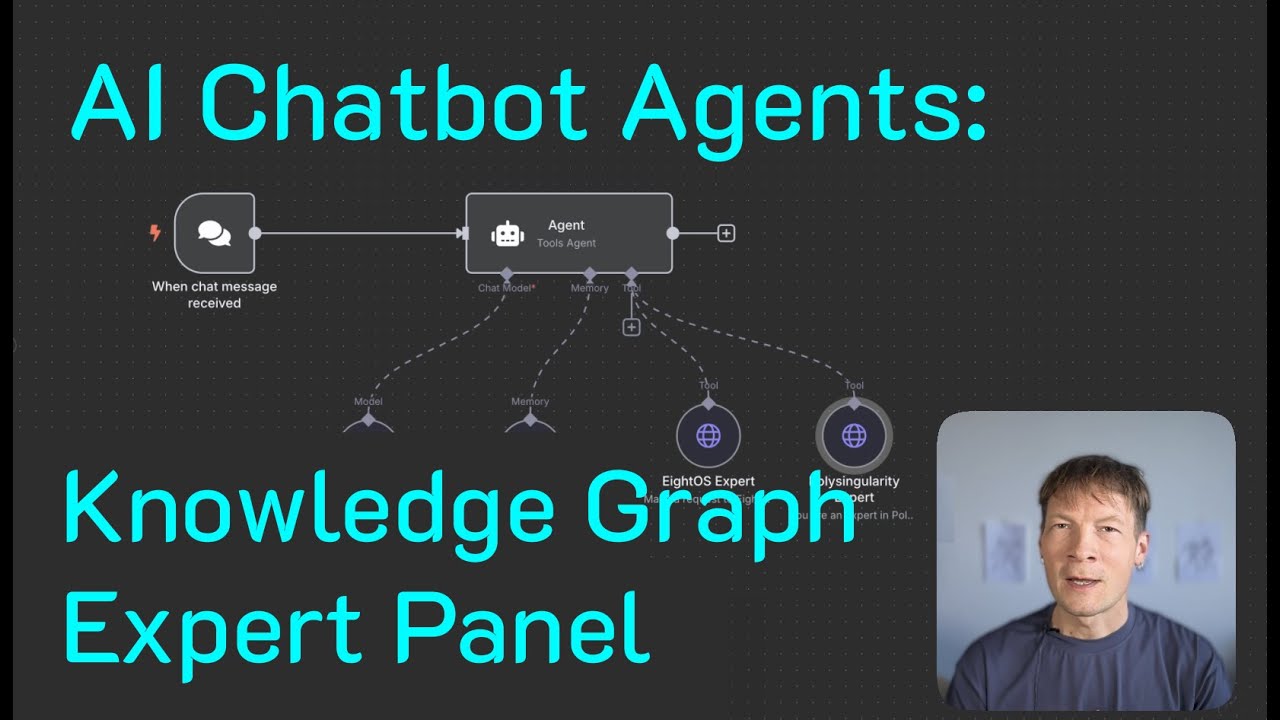

In this video, I’m going to show you how to use to create multiple expert knowledge graphs that can be “consulted” by AI chatbot agents in n8n workflows.
The idea is that you expose it as a standard chat (or even via Telegram) and when the user asks a question, you provide a panel of experts to your AI agent, which they can consult.
Those experts’ knowledge is represented in InfraNodus as knowledge graphs, so there’s much more detailed contextual info included. It’s a bit like having your own portable GraphRAG without the need for complex setup.
Timecodes:
0:00 Building nonlinear AI agent chatbots
1:16 Adding a custom knowledge base from InfraNodus
1:55 AI chat workflow demo
4:05 💎 “It’s like you’re consulting two different brains”
4:34 Step 1 – The tools we will use: Overview of n8n and InfraNodus
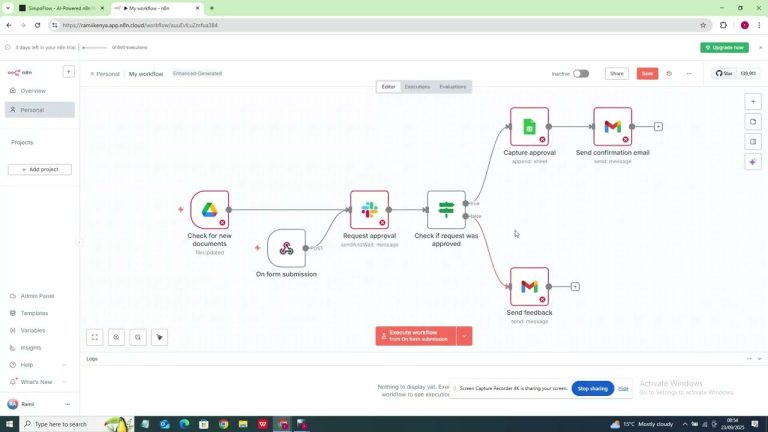
5:54 Step 2 – Building the workflow in n8n
8:28 Step 3 – Create a knowledge base in InfraNodus
10:52 Step 4 – Connect your knowledge base as a tool to AI agent
15:11 🐞 Debugging — fixing the settings
16:03 Step 5 – Watch the AI agent using several experts!
18:03 Bonus: Creating a Telegram bot with a panel of AI experts