👉 Want to master AI content creation and stay ahead of the curve? join my private AI community →
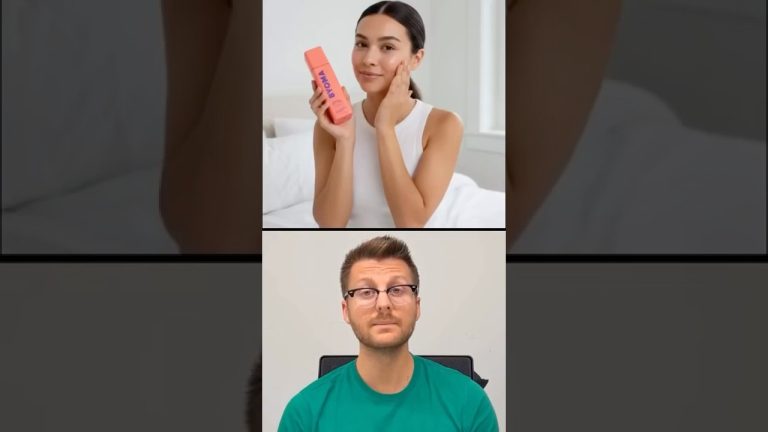
🚨 AI Face Swapping Just Went Next Level with Wan Animate 2.2! 🚨
📥 LINKS & RESOURCES:
▶️ VOSU.AI – 🎁 15% OFF with code **WAN** (up to 3 months!)
▶️ ComfyUI + Wan Setup Guide –
In this video, I’ll show you how to transform yourself into *anyone* using the insane new AI tool — Wan Animate 2.2. Whether you want to face swap into a movie scene, become a celebrity, or just experiment with next-gen content creation, this tool is a total game-changer.
I’ll walk you through:
✅ How to use Wan Animate for face swapping
✅ Character swap vs. photo animate: what’s the difference
✅ The best platforms (like VOSU.ai) for stunning results
✅ How to use Wan 2.2 for FREE (locally with ComfyUI setup)
✅ Pro tips to get the most realistic AI-generated video swaps
You don’t need any experience or complicated software. Just upload your image and video, press a few buttons, and boom – you’re anyone you want to be.
▶️ Join the AI Creator Lab –
#AI #FaceSwap #WanAnimate #Deepfake #ComfyUI #AIvideo
📌 Most Recommended Tools & Resources:
My Camera Gear List →
My Export Presets for Reels & YouTube →
🧠 AI Tools I use:
Best AI Video Clone →
Auto Edit Short Form Videos in 1 Click →
Add Dynamic Captions for 100% FREE →
Backup & Download all TikTok Videos →
Automatically Edit Videos In Premiere Pro →
Effortlessly Remove All Silences From Any Video →
📧 My Email Newsletter – Weekly Tech/AI updates →
👽 100+ AI ToolKit →
💻 My Favourite Editing Assets:
Free Audio Enhancer To Studio Level Quality →
Music + SFX →
Video Assets →
Video templates →
My Video Editing Software →
⏰ Timecodes ⏰
00:00:00 – Wan Animate 2.2 is CRAZY
00:00:42 – Overview of Wan 2.2 Animate
00:01:29 – Method 1 to use Wan Animate
00:02:27 – Method 2 (best) to use Wan Animate
00:07:04 -Method 3 to use Wan Animate Locally