
📅Book a Free AI Consultation Call:
Welcome to the First Episode of the No-Code Automation Series!
In this video, we kick off an exciting journey into the world of automation using Make.com, a powerful no-code platform that lets you build digital assistants without writing a single line of code.
🎯 Project Goal:
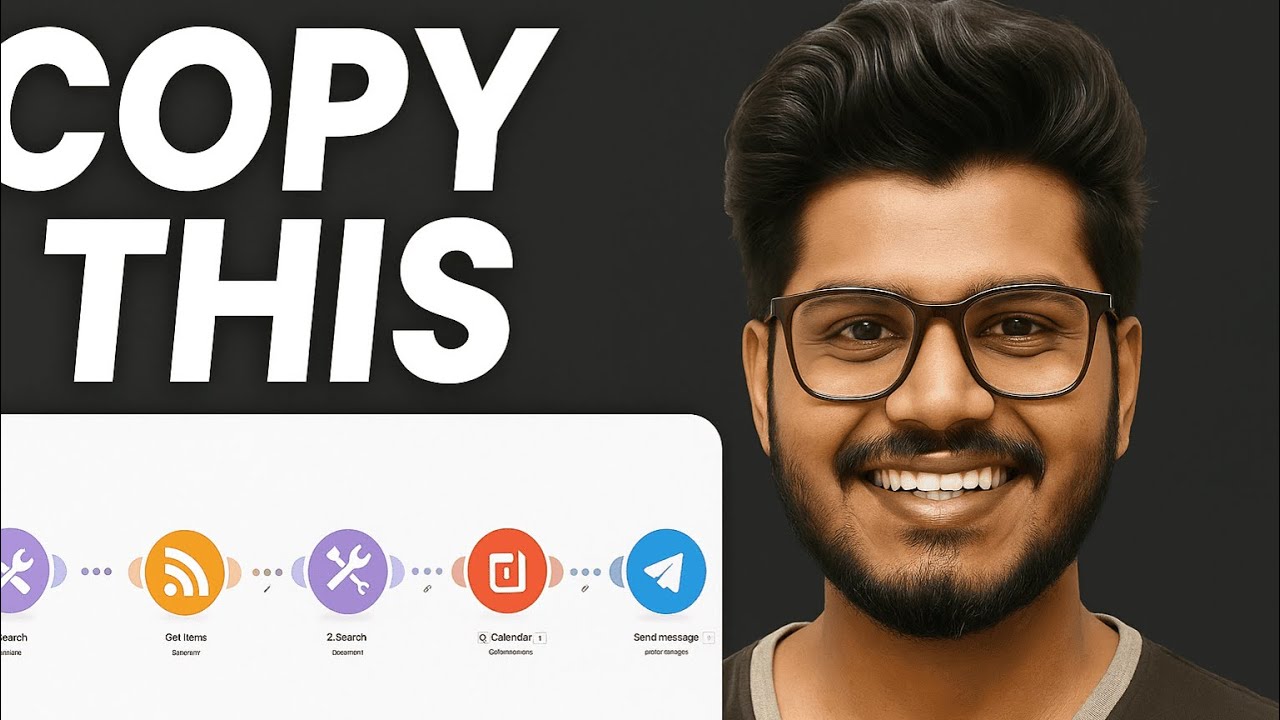
Build an AI-powered social media Auto Posting System that fetches the latest news from RSS feeds, summarizes the content using Google Gemini AI, stores it in Airtable, and delivers it directly to Telegram — all automatically!
🔧 What You’ll Learn in This Video:
Basics of Make.com and scenario setup
How to collect RSS feeds and extract content
Storing structured data into Airtable
Summarizing news articles with Gemini AI
Delivering automated messages via Telegram
Advanced logic using variables and randomization
📂 Project template:
The full project blueprint (Make.com scenario + sample prompt + Airtable base structure) is available for download. Use it to kickstart your own automation system!
💬 Have Questions or Feedback?
Drop your thoughts in the comments — I’ll respond personally to help you build your system!
🔔 Don’t forget to Like, Subscribe, and Share if you find this helpful.
More mind-blowing AI and automation tutorials are coming soon!
Absolutely! Here’s a professional, visually organized version of your contact and community section with icons. You can use this in documents, social media bios, or websites:
—
📱 CONTACT & COMMUNITIES**
WhatsApp: [📞 01321064686] (tel:+8801321064686)
Facebook Page:
Explore my official Facebook page for updates, content, and community engagement.
Personal Facebook Profile:
Connect with me personally to stay in touch and share moments.
LinkedIn Profile: [💼 Saifullah Shafin](
Professional networking and career updates.
—
Chapters
00:00 – 00:31 — Intro
00:31 – 01:44 — Project Details
01:44 – 03:41 — Make.com Setup Guide
03:41 – 06:51 — RSS Feed Module
06:51 – 09:15 — Separating Variables
09:15 – 11:09 — HTTP Module
11:09 – 12:44 — Text Parser
12:44 – 13:52 — LLM API Setup/Connection
13:52 – 18:15 — LLM Setup and Prompt Engineering
18:15 – 23:06 — Airtable Setup
23:06 – 29:21 — Telegram Bot Setup
29:21 – 34:03 — Advanced Setup
34:03 – 34:47 — Outro