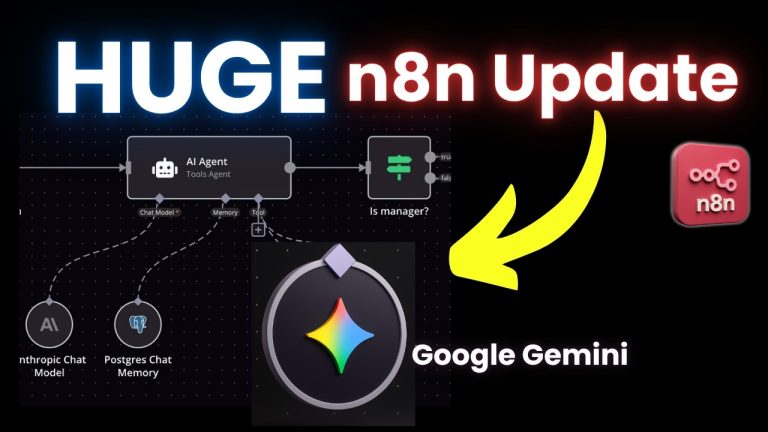
Project Management AI Agent n8n
Automate your projects with AI! In this video, I’ll show you how to build a Project Management AI Agent in n8n that automates task tracking, sends email reminders, and schedules meetings—all without manual effort!
This n8n AI agent tutorial walks you through setting up an AI-powered project management system using Notion, Google Calendar, and Email tools to streamline your workflow.
What You’ll Learn:
✅ How to build an AI project management agent in n8n
✅ Automate task tracking with Notion AI Agent in n8n
✅ Set up smart email reminders for overdue tasks
✅ Use n8n automation to schedule meetings in Google Calendar
✅ Build multi-AI agents in n8n for project efficiency
✅ Explore how to build advanced AI agents in n8n
No more chasing down deadlines! This n8n workflow will help you stay on top of your projects effortlessly.
Get started today and let AI handle your project management!
📌 Resources & Links:
🔗 Try n8n:
🔗 Get the workflow template:
🔗 Get the Notion template:
🔗 Setting up Google Credentials in n8n tutorial:
Want personalized help building n8n AI agents?
I offer 4-hour 1-on-1 coaching sessions to help YOU create, troubleshoot, and optimize your AI agent workflows step-by-step!
Book now:
Need custom AI solutions? I specialize in building AI systems for businesses across industries.
📞Book Discovery Call:
📧Contact me:
contact@loopsera.com
Timestamps:
0:00 – Intro
1:06 – Demo
4:36 – Project management agent
10:23 – Email agent
19:47 – Notion agent
30:37 – Calendar agent
33:47 – Outro & Next Steps
💡 Want more automation tutorials? Subscribe and stay tuned for more videos on n8n multi AI agents and how to scale automation with AI!
💬 Have questions? Drop a comment! Don’t forget to like, subscribe, and hit the bell for more AI automation tutorials.